March, 2026 #
👥 Customers List in Flow Analysis #
You’ll now find a new Customers List tab in the Analysis section, where you can see how each contact is progressing through the steps of a flow.

From this tab you can see each contact’s status, current step, entry date, and latest activity — and take actions like dismissing or resetting a contact directly from the list. You can also click on any delay step in the flow to see all contacts currently waiting for that delay to expire.

Why this matters
This update gives your team a clearer view of each journey as it unfolds, making it easier to answer questions and investigate specific cases.
🏷️ Product Acquisition time window #
You can now define an attribution period for acquisitions. This way, a new product acquisition is linked to a campaign only if it occurs within a set time frame after a contact’s most recent interaction with that campaign, helping campaign results reflect more accurate and relevant engagement.
With this update:
- Acquisitions are only linked to a campaign if they happen within the defined attribution period.
- This attribution period begins immediately after the contact’s most recent interaction with the campaign.
- Contacts must have been reached by the campaign for the acquisition to be tracked.

Read more about attribution time window
📊 Data and Reporting Updates #
You can now include Acquisition Date as a column in your campaign exports, allowing you to see when each acquisition was recorded for a particular contact due to a particular campaign.
📥 Column Mapping Updates #
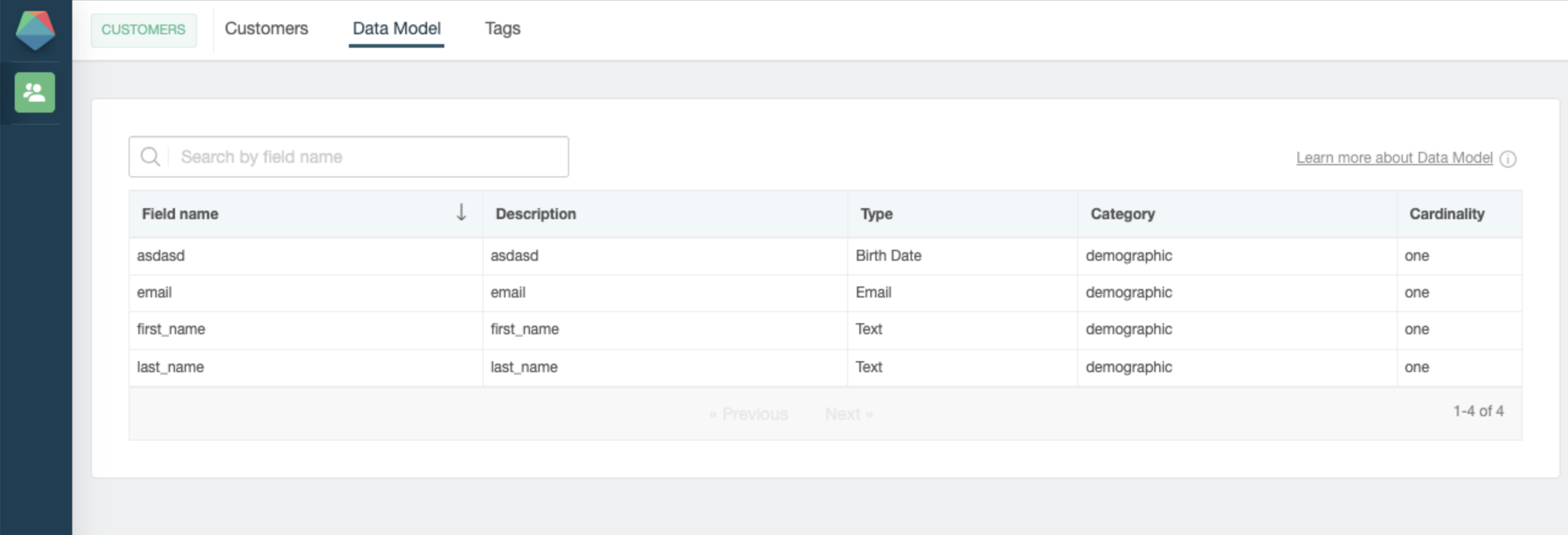
You can now add new fields without having to recreate column mappings from scratch, making it easier to adjust your data imports as your files evolve.

🎨 Designer Properties Updates #
You can now apply rounded corners to images using border-radius, giving you more flexibility when designing emails and pages.
You can also customize components with new options for backgrounds, borders, and opacity, making it easier to create more polished and visually engaging content.

🔗 Google Tag Manager Integration #
We simplified the process of integrating with Google Tag Manager in order to enrich your Google Analytics tracking experience. Everything is now done automatically by simply entering your GTM tracking ID.
By doing this, if you aggregate tracking information with Google Analytics via Google Tag Manager, events will be automatically recorded in your GA4 data when your contacts move along different steps in campaign funnels.

Read more about GTM integration
💎 Improvements #
- Visual updates to email and page components, including new background, border, and opacity options.
- The image component now supports
border-radius, enabling rounded corners on rectangular images. - Line-height rendering has been normalized for better compatibility with Office 365.
- Supervision added for local and remote FTP watchers, providing continuous monitoring and automatic recovery.
- New setting to leave rejected files in the FTP export folder without manual intervention, making it easier to review and manage files that did not meet import criteria.
- SFTP/FTP error and recovery notifications are now sent only once per day, reducing notification fatigue while keeping users informed.
🐞 Fixes #
- The calculation for rejected percentage has been corrected to display accurate values.
- Identifier-like parameters such as
funnel-sourceare now sanitized to prevent XSS vulnerabilities. - Product export and import processes have been improved to support selection by name or category.
- The product selector has been removed from the campaign flows where it is no longer needed.